> ## Documentation Index
> Fetch the complete documentation index at: https://support.betalented.ai/llms.txt
> Use this file to discover all available pages before exploring further.
# Jobs
> Explore internal job openings, apply for roles, and track your applications.
The Jobs module within the Talent Marketplace helps you discover internal and external job openings tailored to your skills and career aspirations. Browse recommended roles, apply directly, or refer opportunities to colleagues.
## Explore recommendations
When you open the Jobs module, you will see job recommendations based on your current skills and career aspirations.
 Recommendations are organised into two categories:
Roles that match the skills already in your profile. These are positions where you have a strong alignment today.
Roles that align with the career aspirations you selected during onboarding or updated in your profile.
***
## Browse all jobs
Switch to the **Browse All Jobs** tab to view the full catalogue of available positions across the organisation.
Recommendations are organised into two categories:
Roles that match the skills already in your profile. These are positions where you have a strong alignment today.
Roles that align with the career aspirations you selected during onboarding or updated in your profile.
***
## Browse all jobs
Switch to the **Browse All Jobs** tab to view the full catalogue of available positions across the organisation.
 ***
## Job details
Click on any job card to view the full job details page.
***
## Job details
Click on any job card to view the full job details page.
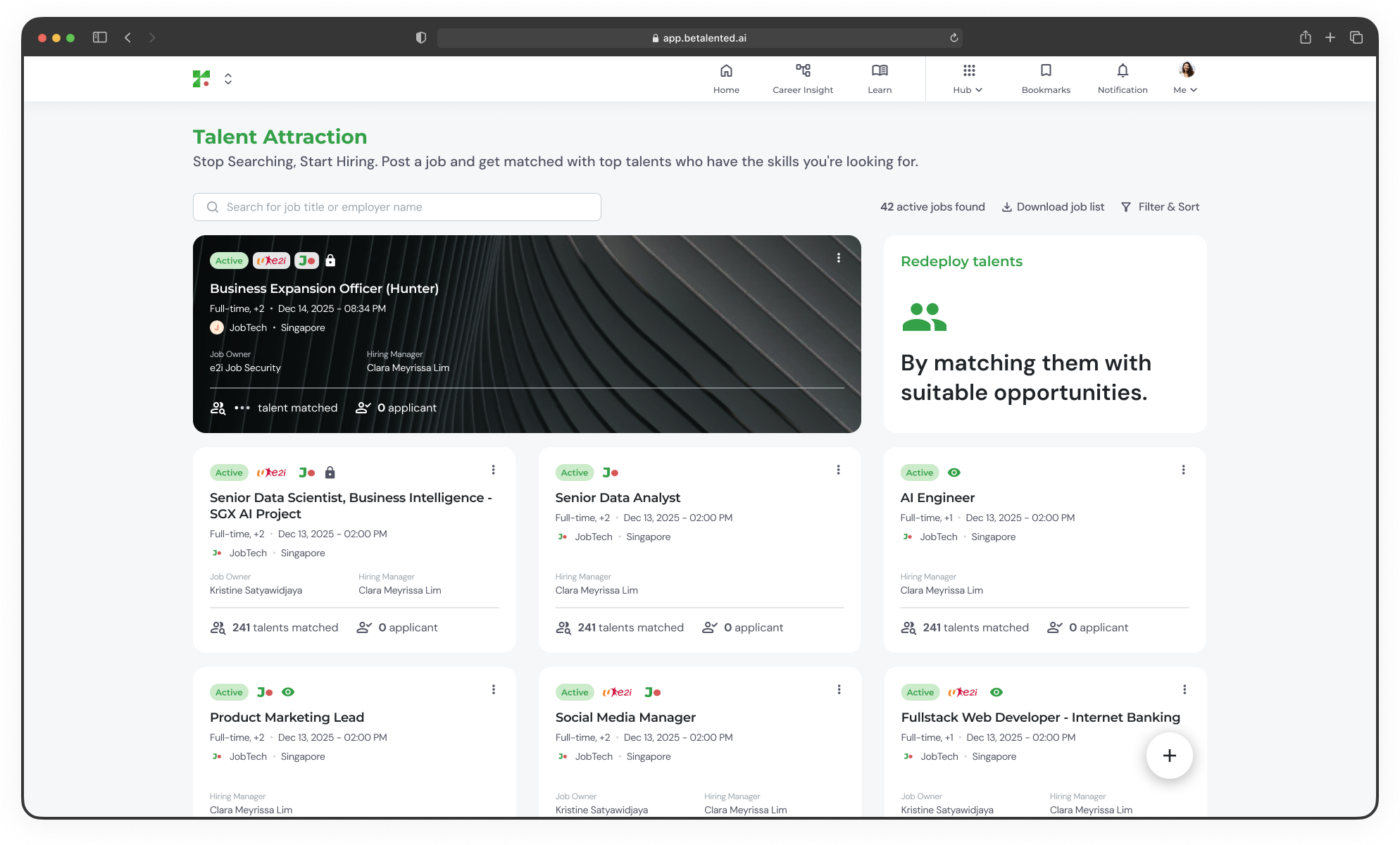 ### Quick actions
From the job detail page, you can:
* **Share** the job URL with others
* **Add to bookmark** to save it for later
* **Apply / Refer a friend** to submit your application or share the role
***
## Share a job post
You can share a job opportunity with colleagues in two ways:
### Quick actions
From the job detail page, you can:
* **Share** the job URL with others
* **Add to bookmark** to save it for later
* **Apply / Refer a friend** to submit your application or share the role
***
## Share a job post
You can share a job opportunity with colleagues in two ways:
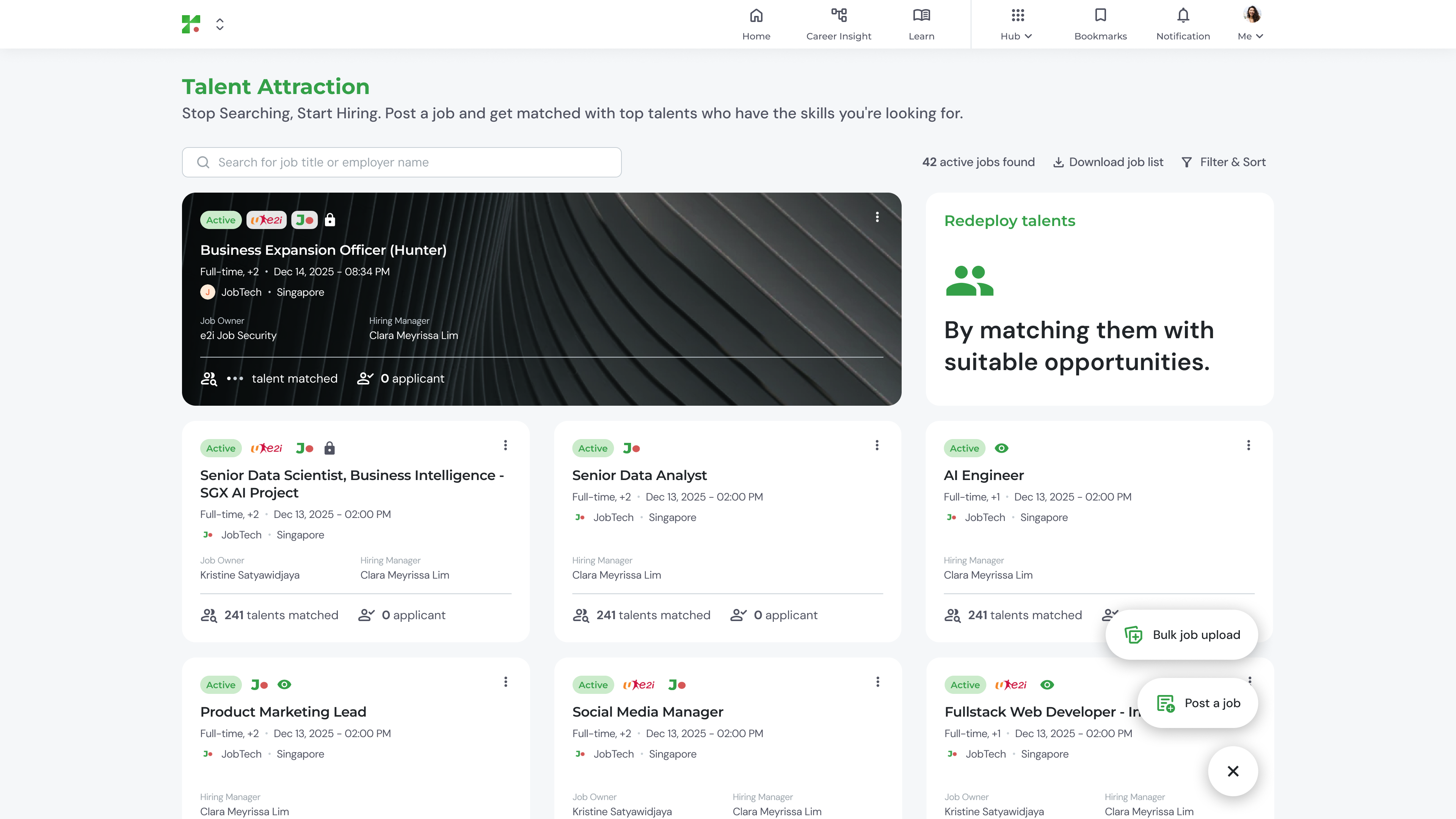 Select a friend's name from the dropdown to refer the job directly to them.
Copy the job URL and share it through any channel you prefer.
***
## My applications
Track all roles you have applied for under the **My Application** tab.
Select a friend's name from the dropdown to refer the job directly to them.
Copy the job URL and share it through any channel you prefer.
***
## My applications
Track all roles you have applied for under the **My Application** tab.
 Applications currently being reviewed by the hiring team. Each card shows the job title, department, match score, and status.
Applications that have been approved. You can view the confirmed role details.
\[Upload Image 6 here]
Applications that were not selected. Your application data is retained for future reference.
\[Upload Image 7 here]
Applications currently being reviewed by the hiring team. Each card shows the job title, department, match score, and status.
Applications that have been approved. You can view the confirmed role details.
\[Upload Image 6 here]
Applications that were not selected. Your application data is retained for future reference.
\[Upload Image 7 here]