> ## Documentation Index
> Fetch the complete documentation index at: https://support.betalented.ai/llms.txt
> Use this file to discover all available pages before exploring further.
# Learn
> Discover courses, enrol in learning programmes, and track your progress.
The Learn module provides personalised course recommendations to bridge your skill gaps and support your career growth. You can browse internal and external learning programmes, enrol in courses, and track your progress.
## Explore recommendations
When you open the Learn module, you will see curated course recommendations organised into categories:
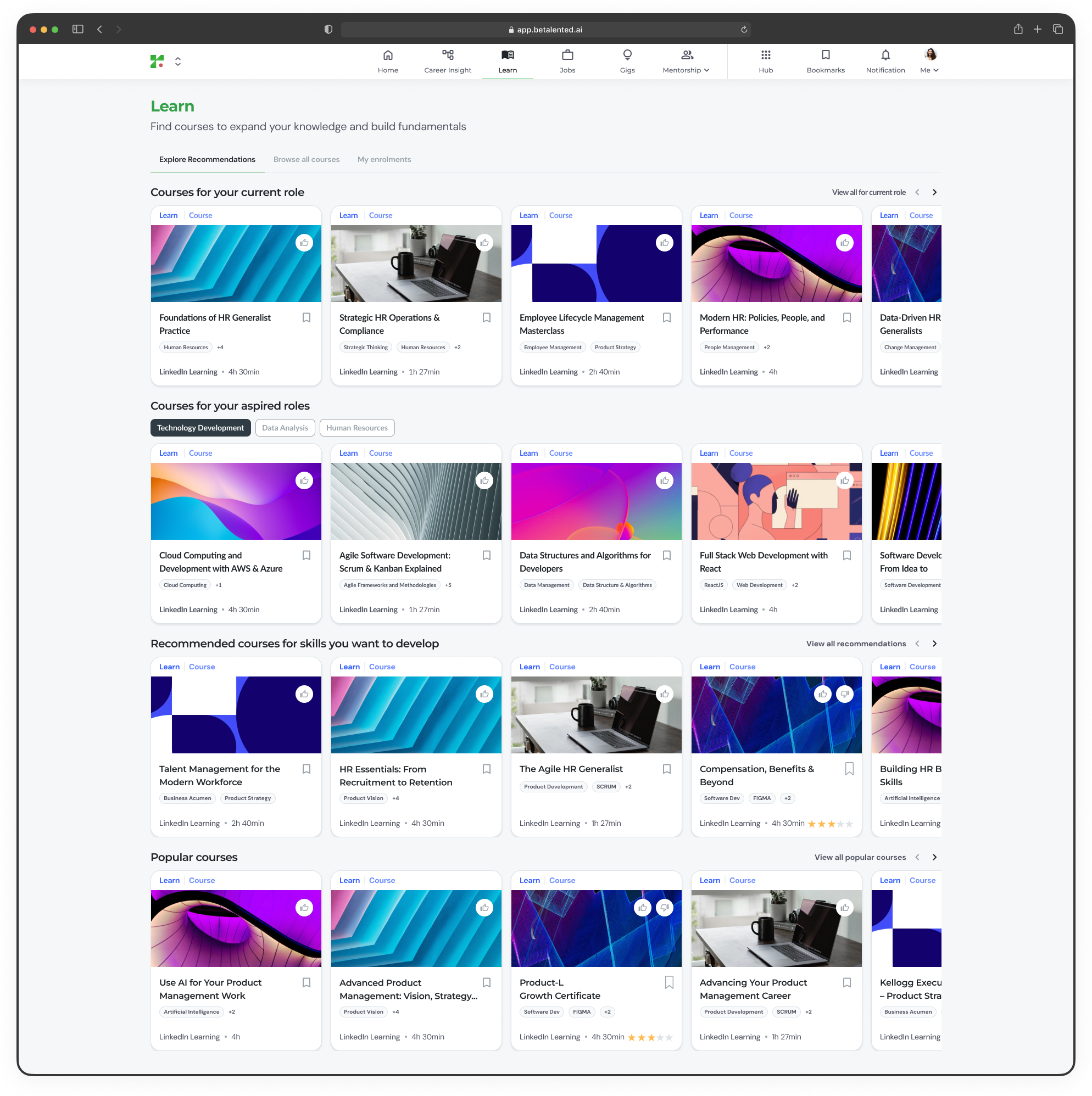 Courses mapped to the skills required for the role you currently hold. These help you strengthen your core competencies and close skill gaps.
Courses aligned to the skills needed for the roles you selected as career aspirations. These help you prepare for your next career move.
Courses linked to skills you have flagged for development from your Career Insights or profile settings.
Trending and highly rated courses across the platform.
Use the **Internal / External** toggle to filter between company-hosted courses and third-party provider content.
***
## Browse all courses
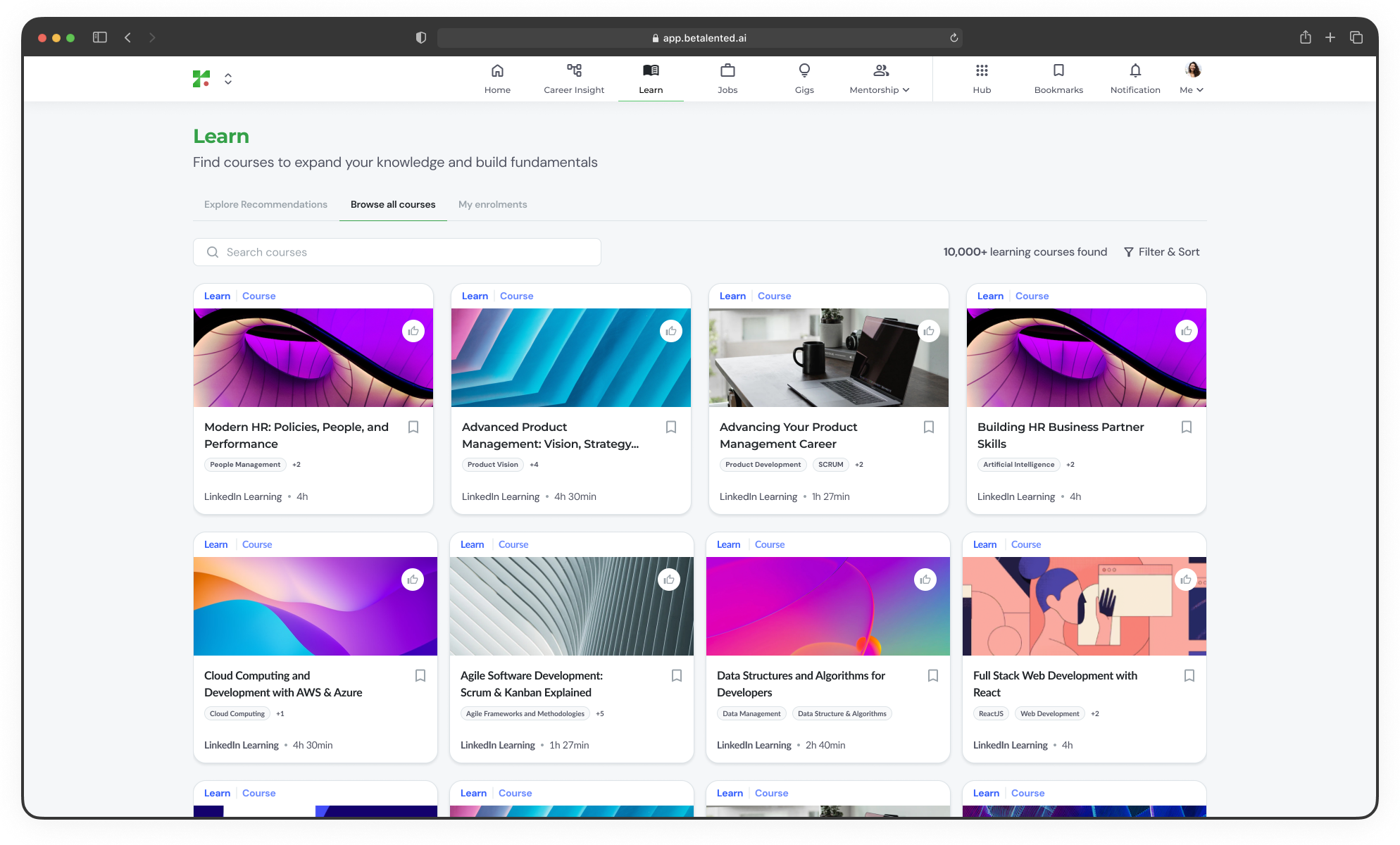
For a broader view, switch to the **Browse All** tab to explore the full course catalogue.
Courses mapped to the skills required for the role you currently hold. These help you strengthen your core competencies and close skill gaps.
Courses aligned to the skills needed for the roles you selected as career aspirations. These help you prepare for your next career move.
Courses linked to skills you have flagged for development from your Career Insights or profile settings.
Trending and highly rated courses across the platform.
Use the **Internal / External** toggle to filter between company-hosted courses and third-party provider content.
***
## Browse all courses
For a broader view, switch to the **Browse All** tab to explore the full course catalogue.
 ***
## Course details
Click on any course card to view detailed information. You can add it to your bookmark for future learning plan.
***
## Course details
Click on any course card to view detailed information. You can add it to your bookmark for future learning plan.
 ***
## Enrol in a course
From the recommendations or browse tabs, click on a course you are interested in.
Check the course description, duration, provider, and the skills it covers.
Click **Enrol** to register for the course. You will be redirected to the provider's platform if it is an external course. \[image x]
***
## My enrolments
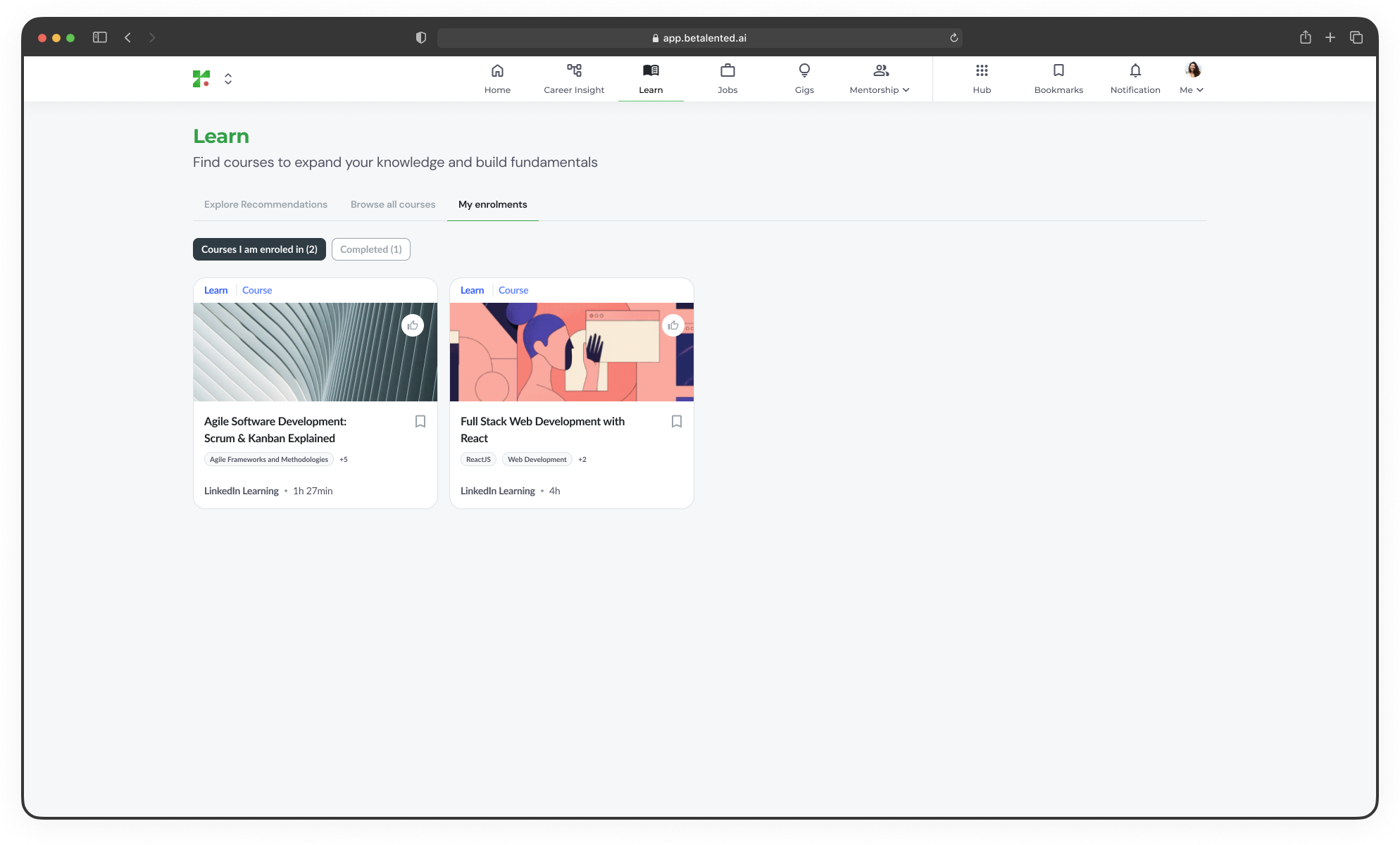
If you have internal courses, you can track your learning journey from the **My Enrolments** tab.
View courses you are currently enrolled in, along with progress indicators showing how far along you are.
View courses you have finished and the skills you gained from them.
***
## Enrol in a course
From the recommendations or browse tabs, click on a course you are interested in.
Check the course description, duration, provider, and the skills it covers.
Click **Enrol** to register for the course. You will be redirected to the provider's platform if it is an external course. \[image x]
***
## My enrolments
If you have internal courses, you can track your learning journey from the **My Enrolments** tab.
View courses you are currently enrolled in, along with progress indicators showing how far along you are.
View courses you have finished and the skills you gained from them.