

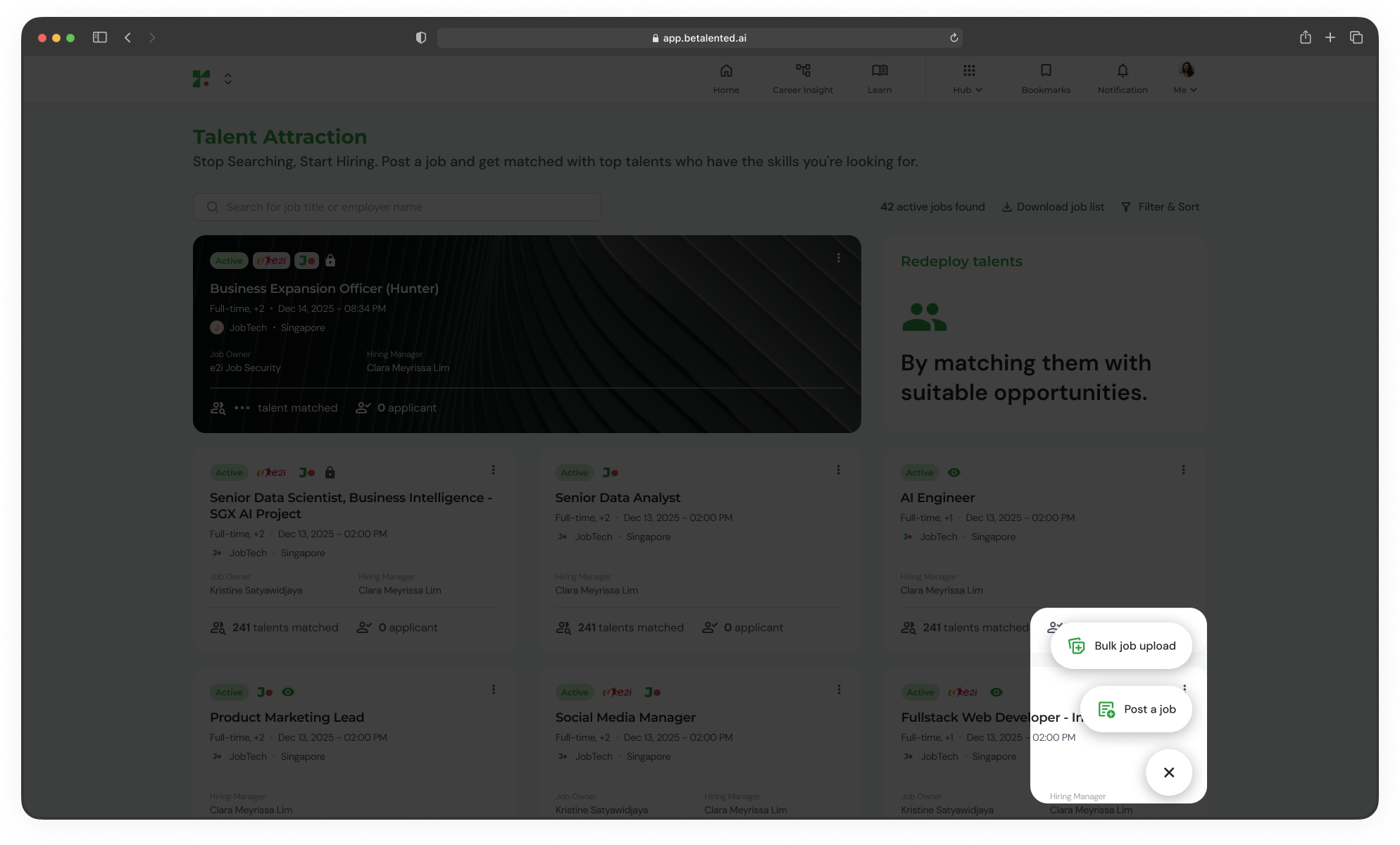
Job posting flow
1
General information
Define the basic details of the job.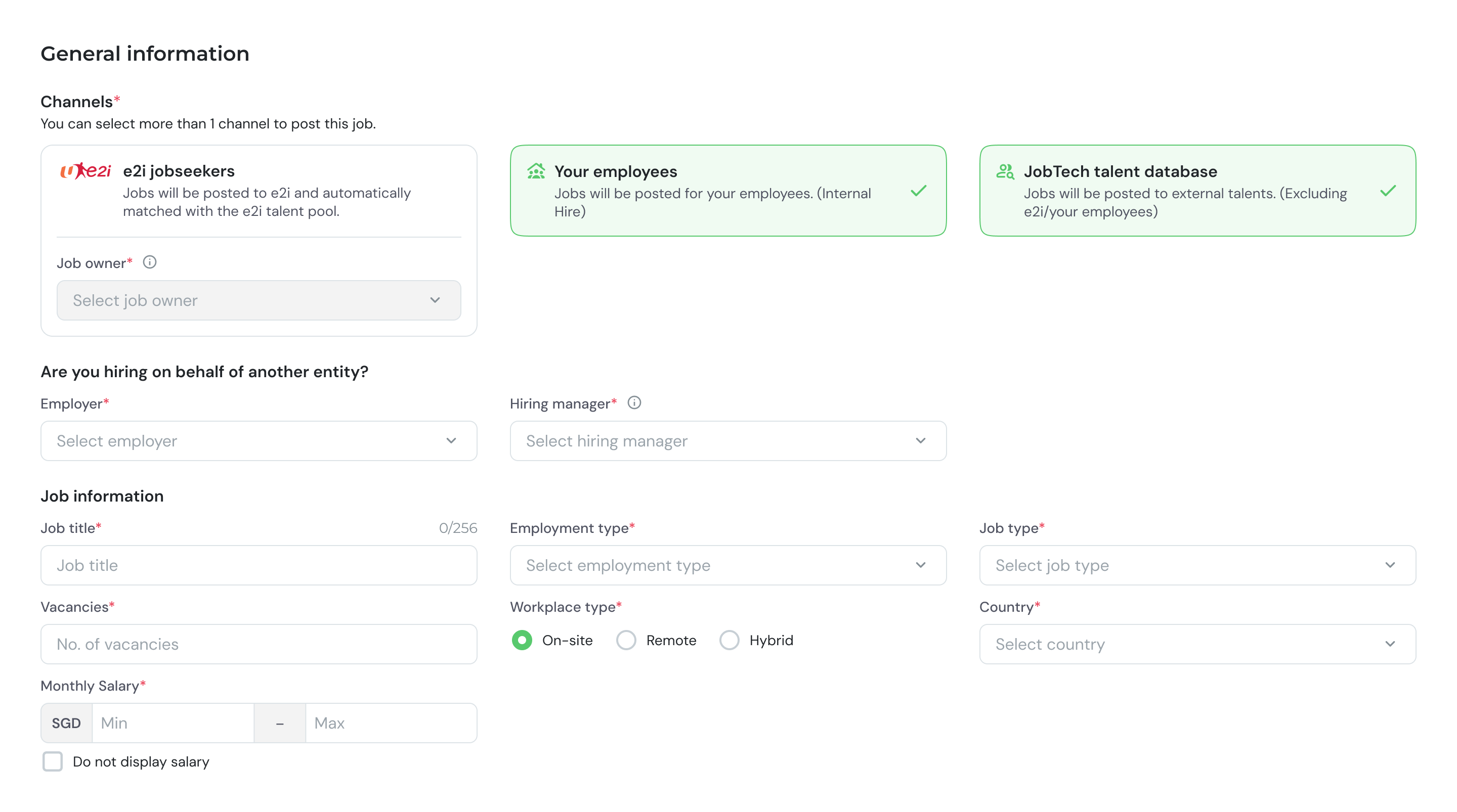
2
Job description, job requirements, and required skills
Provide a detailed description of the role and its responsibilities.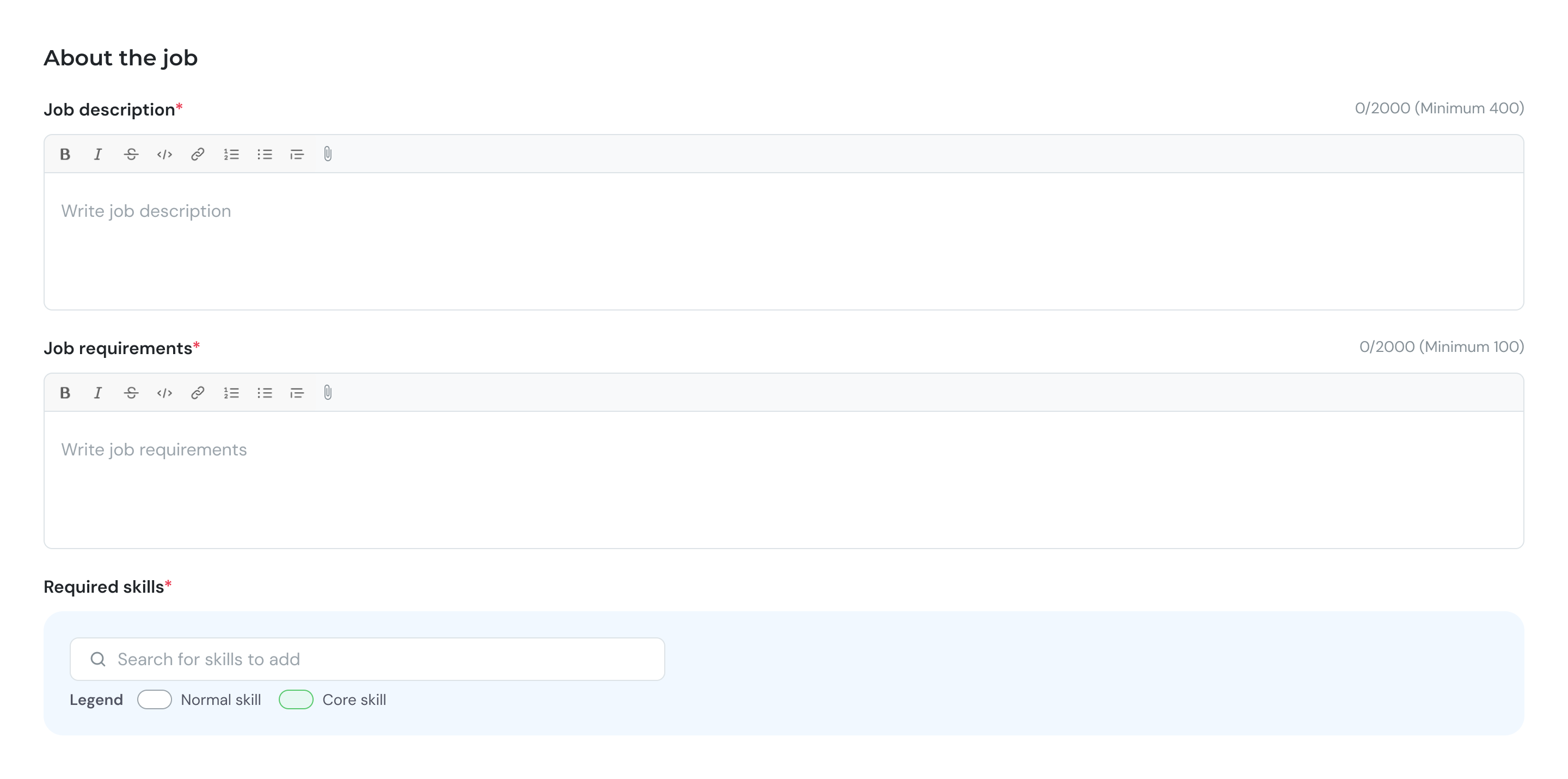
- Key responsibilities
- Day-to-day activities
- Team structure and reporting line
3
Requirements
Define some hiring and academic requirements.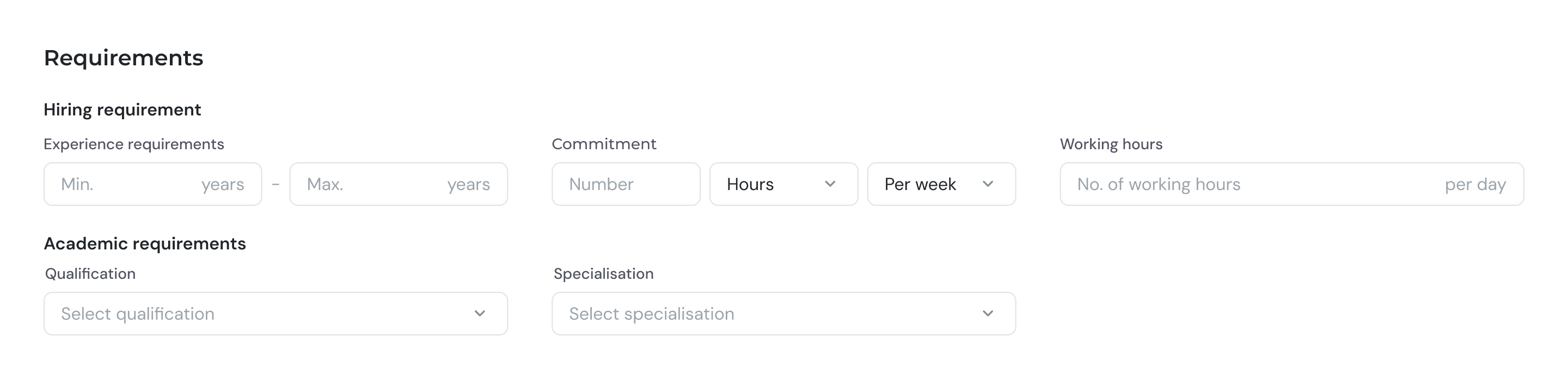
4
Additional details
Set experience requirements and other preferences.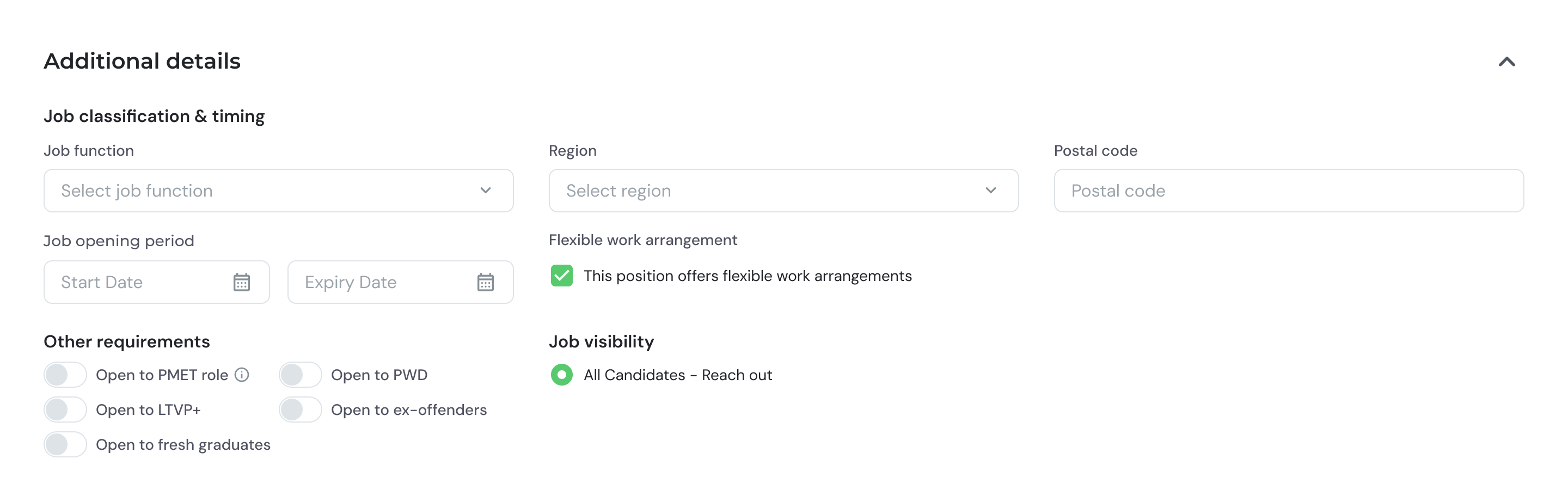
5
Review and post
Review all details before submitting.
- Confirm all sections are complete
- Click Post to submit the job post.
- If you are e2i Partner Employer, you might need to wait for the e2i Job Owner approval.
Bulk upload
For posting multiple jobs at once, use the bulk upload feature. Download template here.1
Download the template
Download the CSV template from the Talent Attraction dashboard.
2
Fill in the template
Enter job details for each position in the template file.
3
Upload the file
Upload the completed file. The system will map each column to the corresponding field.
4
Review and confirm
Review the imported data for accuracy, then confirm to create all job posts.