

Accessing help
Click on your profile menu (avatar icon) in the top-right corner and select Help.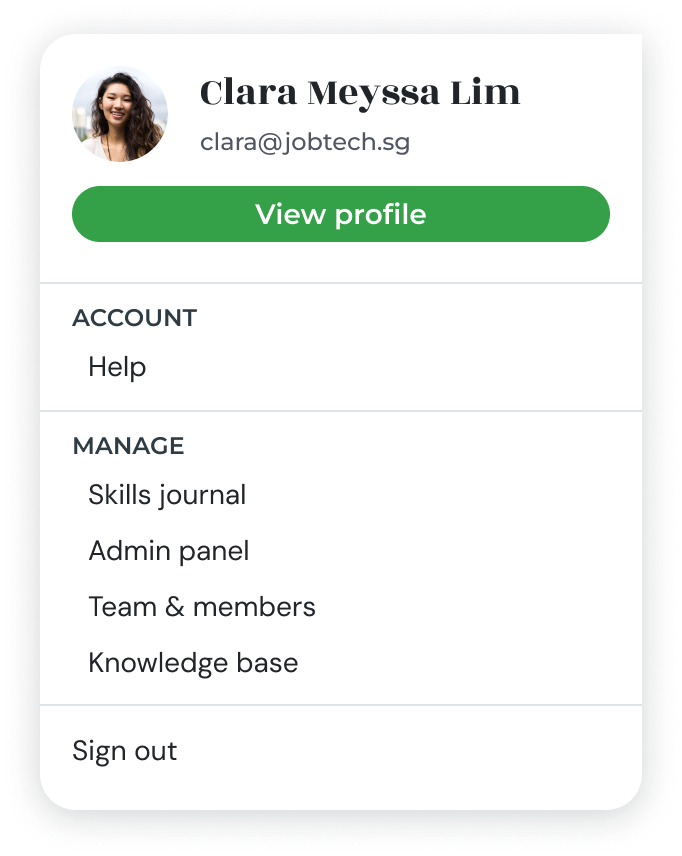
Knowledge base
Browse or search a library of help articles covering common tasks and frequently asked questions. Use the search bar to find articles related to your query.Submit feedback or a support ticket
If you cannot find an answer in the knowledge base:1
Open the feedback form
Click Send Feedback or Report an Issue from the Help section.
2
Describe your issue
Provide a clear description of the problem or feedback. Include relevant details such as the page you were on and what you expected to happen.
3
Submit
Click Submit to send your ticket to the support team. You will receive a confirmation and follow-up via email.