

Explore recommendations
When you open the Learn module, you will see curated course recommendations organised into categories: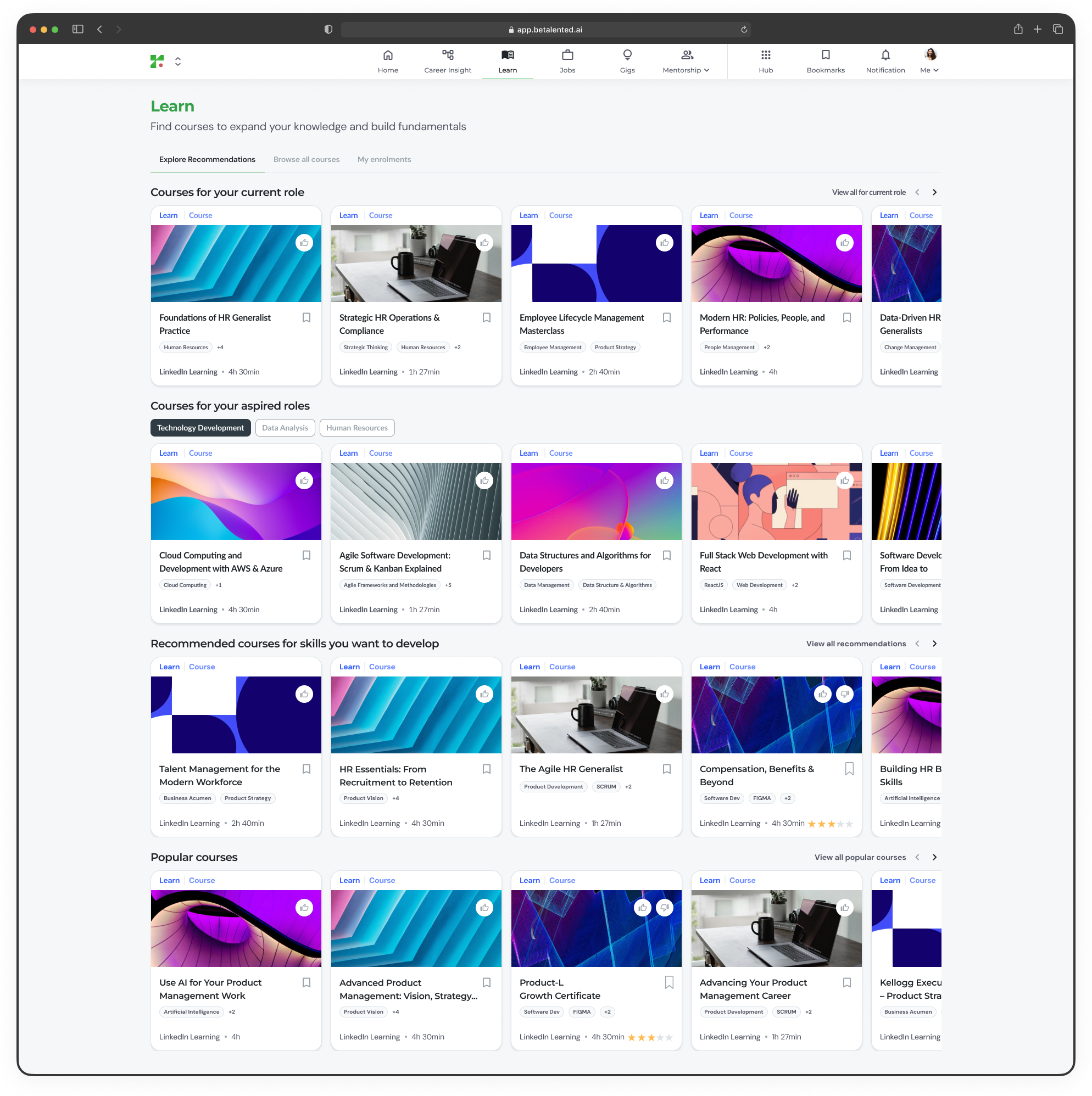
Courses for your current role
Courses for your current role
Courses mapped to the skills required for the role you currently hold. These help you strengthen your core competencies and close skill gaps.
Courses for your aspired roles
Courses for your aspired roles
Courses aligned to the skills needed for the roles you selected as career aspirations. These help you prepare for your next career move.
Skills you want to develop
Skills you want to develop
Courses linked to skills you have flagged for development from your Career Insights or profile settings.
Popular courses
Popular courses
Trending and highly rated courses across the platform.
Browse all courses
For a broader view, switch to the Browse All tab to explore the full course catalogue.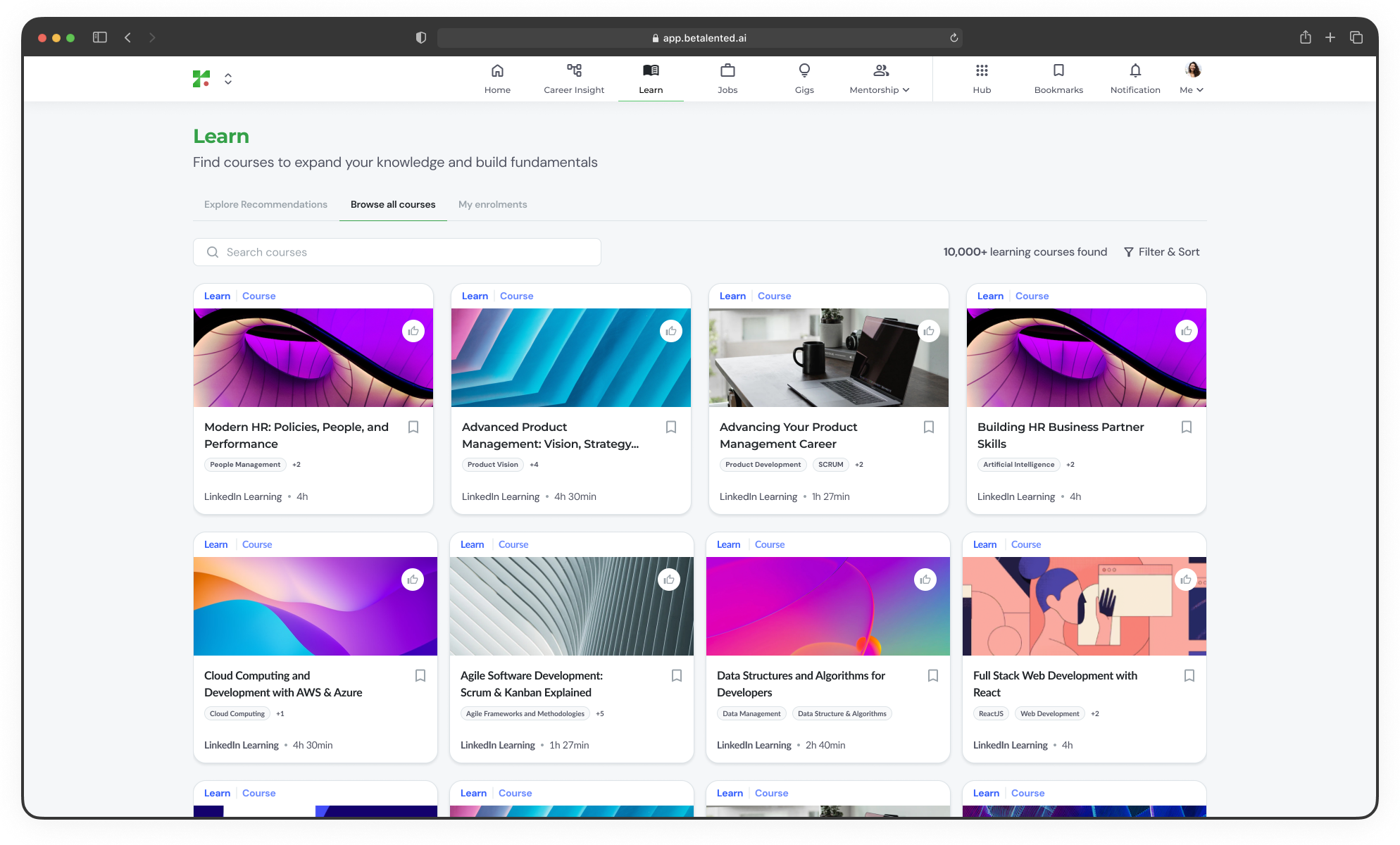
Course details
Click on any course card to view detailed information. You can add it to your bookmark for future learning plan.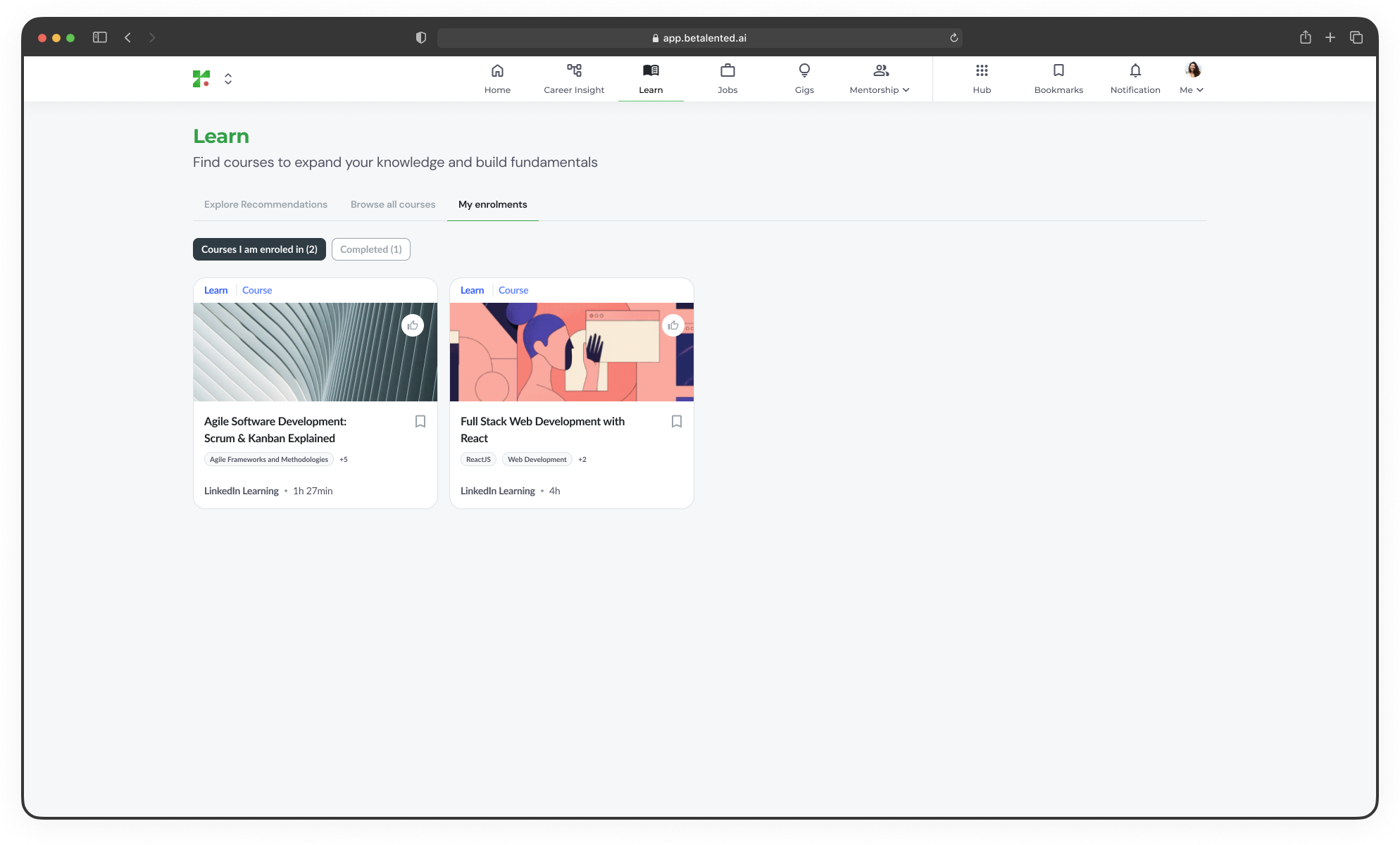
Enrol in a course
1
Select a course
From the recommendations or browse tabs, click on a course you are interested in.
2
Review details
Check the course description, duration, provider, and the skills it covers.
3
Enrol
Click Enrol to register for the course. You will be redirected to the provider’s platform if it is an external course. [image x]
My enrolments
If you have internal courses, you can track your learning journey from the My Enrolments tab.- In progress
- Completed
View courses you are currently enrolled in, along with progress indicators showing how far along you are.