

Updating your personal information
You can access your profile settings by clicking on your avatar in the top right corner of the dashboard.Profile picture
A professional profile picture helps personalize your experience.- Go to Profile page.
-
Hover over the avatar placeholder.
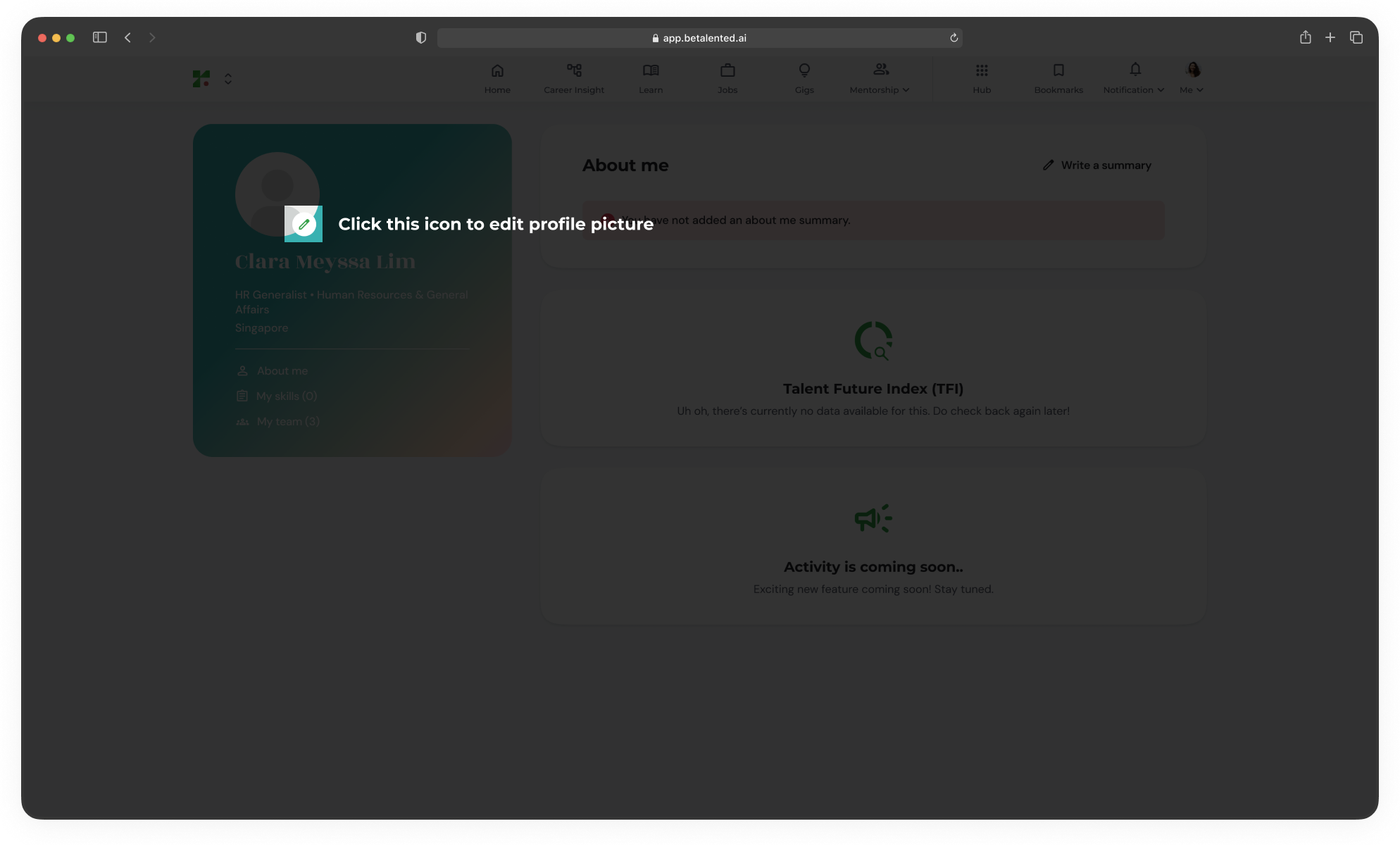
- Click Upload Photo.
- Select a square image from your computer (JPG or PNG).
Professional summary
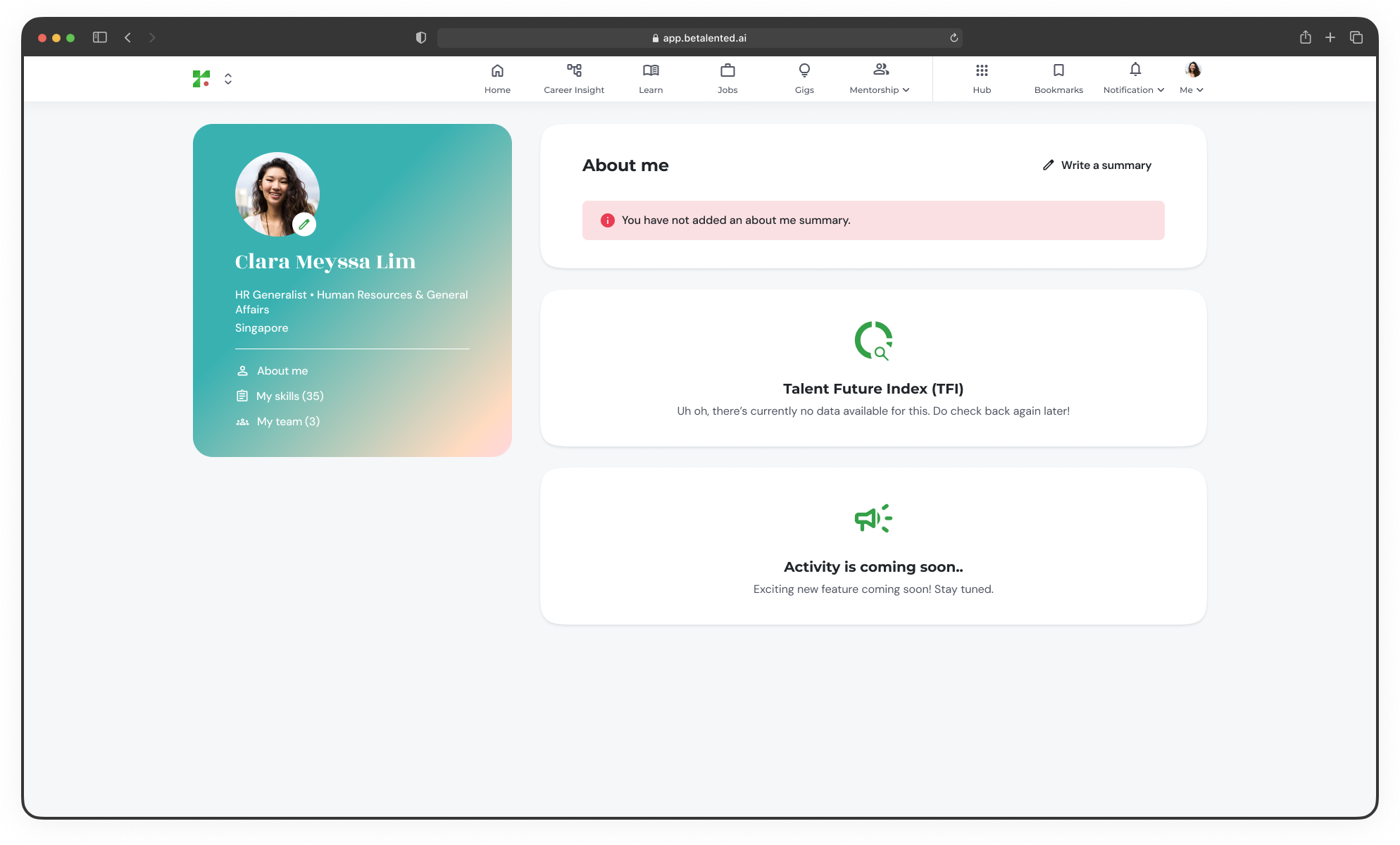
- Click the Write a summary icon next to the summary section.
- Keep it concise – 3 to 4 sentences is usually best.
- Highlight your most critical “Core Skills”.
Managing your CV
Your CV is the primary source for your initial skills profile. Whenever you gain new experience, it’s a good idea to upload a fresh version.1
Navigate to CV Upload
Go to Profile page > My skills.
2
Upload CV
Click Upload New CV and select your latest resume file.
3
Auto-populate new skills
The platform auto populate your new skills to your skills profile.
Updating your CV will not delete your manual skill refinements unless you choose to reset your profile completely. By updating your skill profile we will also update your recommendations and match score.