

Explore recommendations
When you open the Jobs module, you will see job recommendations based on your current skills and career aspirations.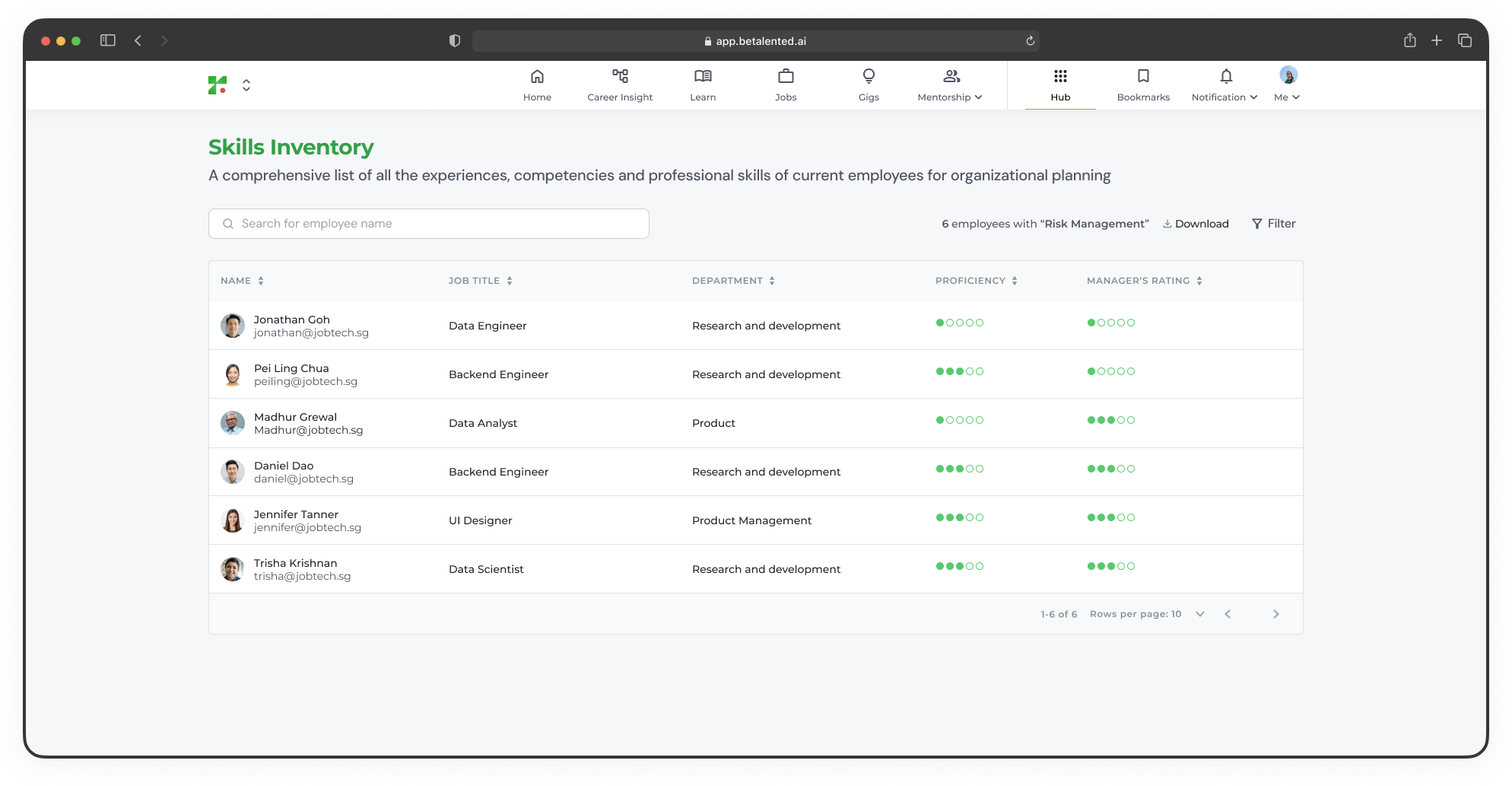
Based on your current skills
Based on your current skills
Roles that match the skills already in your profile. These are positions where you have a strong alignment today.
Based on your aspired roles
Based on your aspired roles
Roles that align with the career aspirations you selected during onboarding or updated in your profile.
Browse all jobs
Switch to the Browse All Jobs tab to view the full catalogue of available positions across the organisation.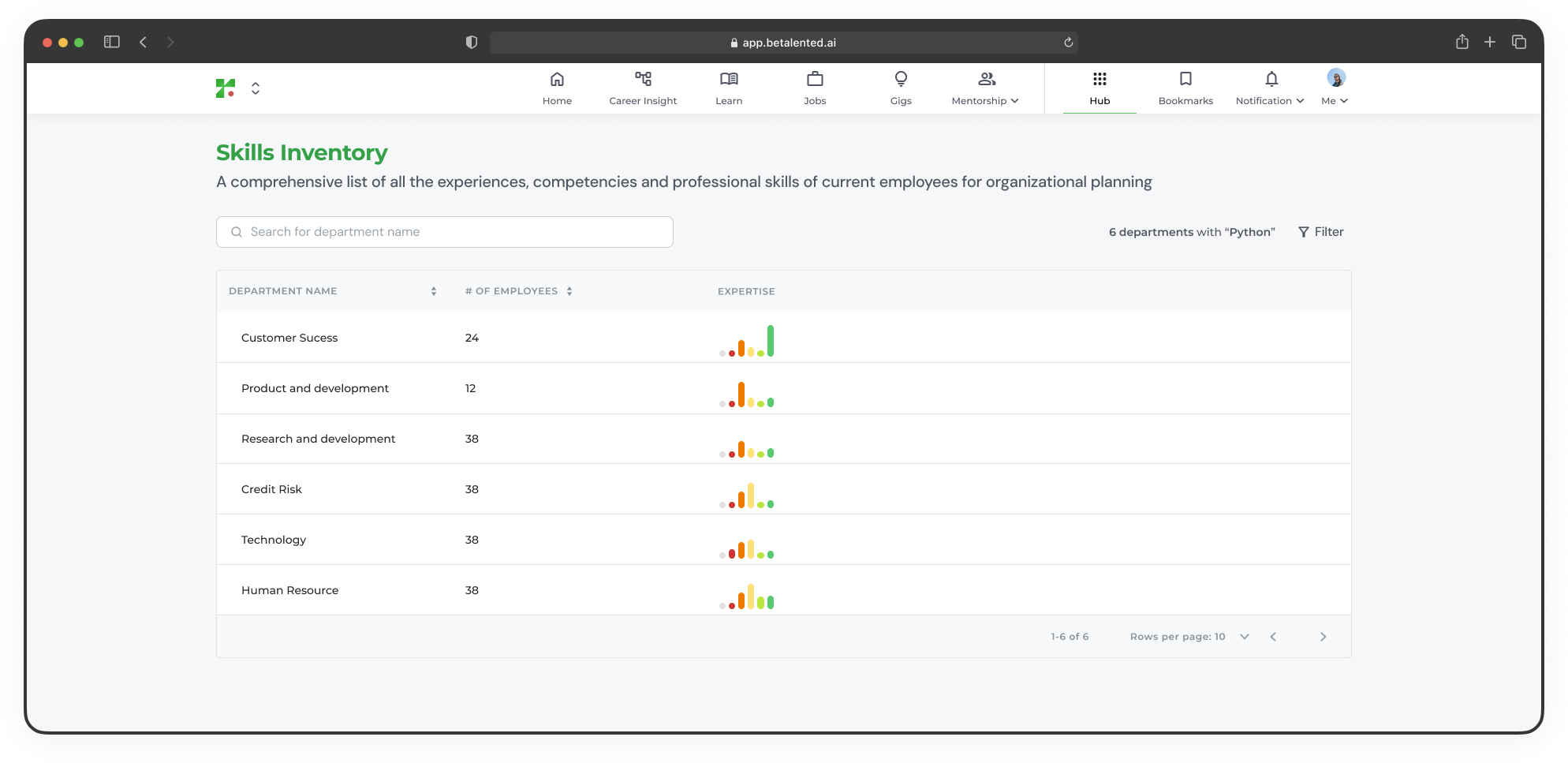
Job details
Click on any job card to view the full job details page.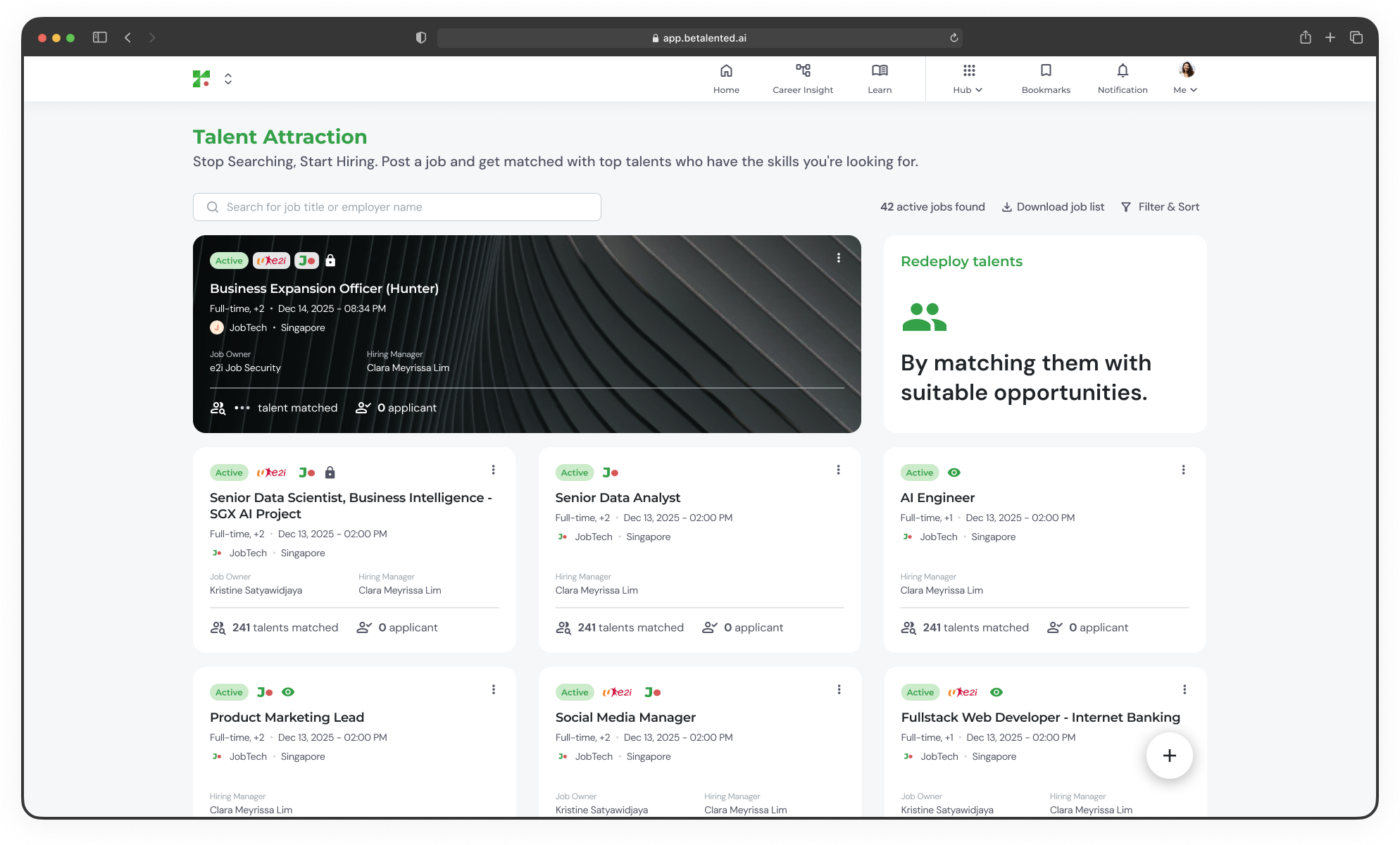
Quick actions
From the job detail page, you can:- Share the job URL with others
- Add to bookmark to save it for later
- Apply / Refer a friend to submit your application or share the role
Share a job post
You can share a job opportunity with colleagues in two ways: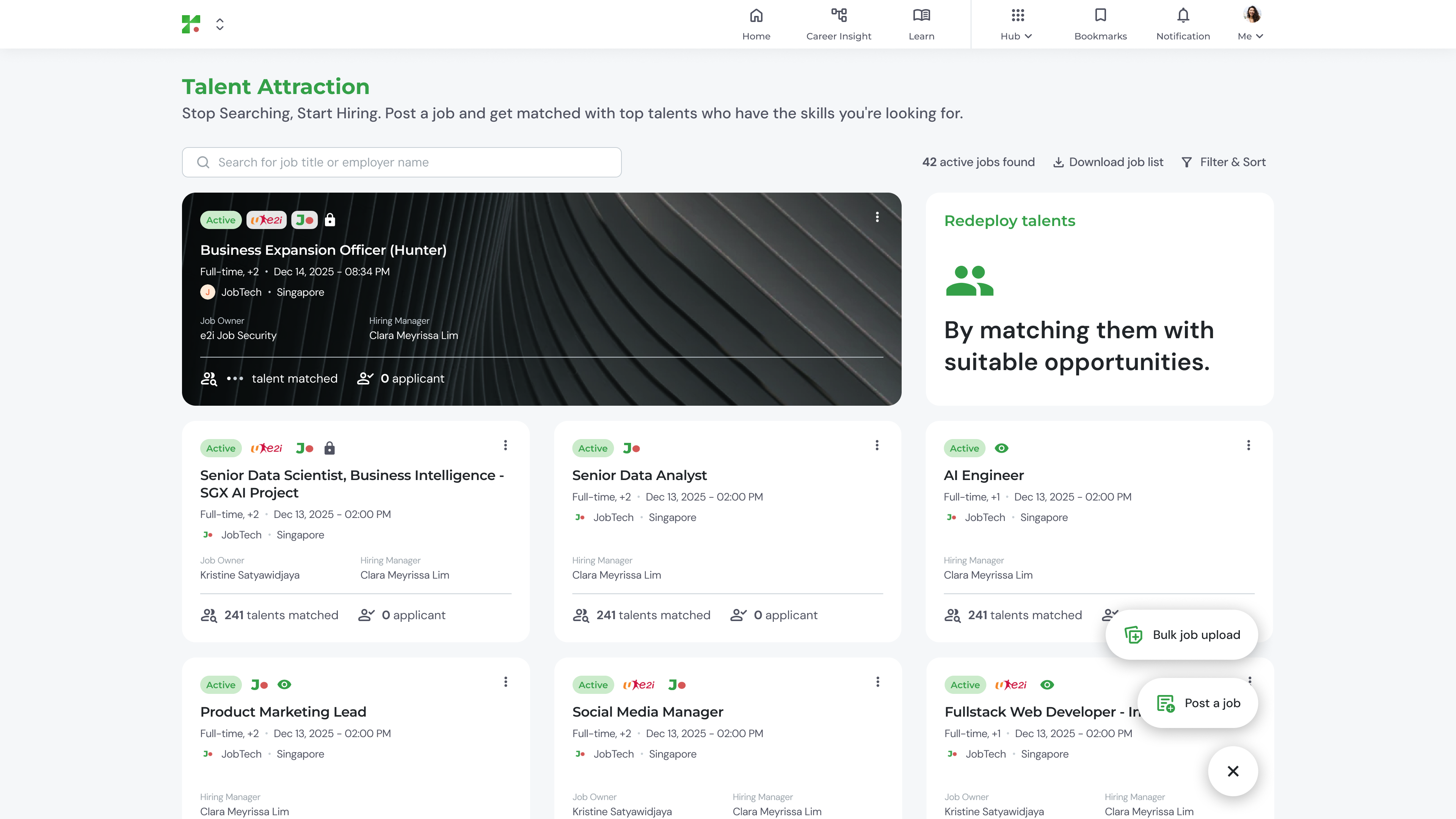
- Refer by name
- Copy link
Select a friend’s name from the dropdown to refer the job directly to them.
My applications
Track all roles you have applied for under the My Application tab.
- Under Review
- Approved
- Unsuccessful
Applications currently being reviewed by the hiring team. Each card shows the job title, department, match score, and status.