

1
Receive Your Activation Email
To begin, check your inbox for an activation email sent by JobTech.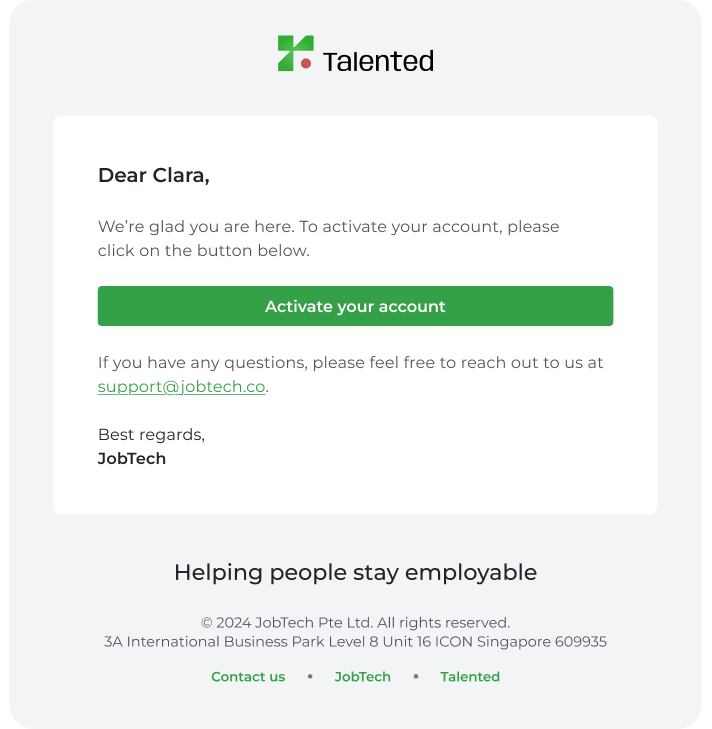
If you do not see the email, please check your spam folder or reach out to support@jobtech.co.
2
Set Your Password & Sign in
Enter your password in the New Password field. Once the password is setup, you can now access the platform.